
Samsung Galaxy Z Flip 4 (F721) - Black Screen Repair Guide
· 1 min read
In short
After replacing the inner screen, the device may power on but the screen turns black after a short time.
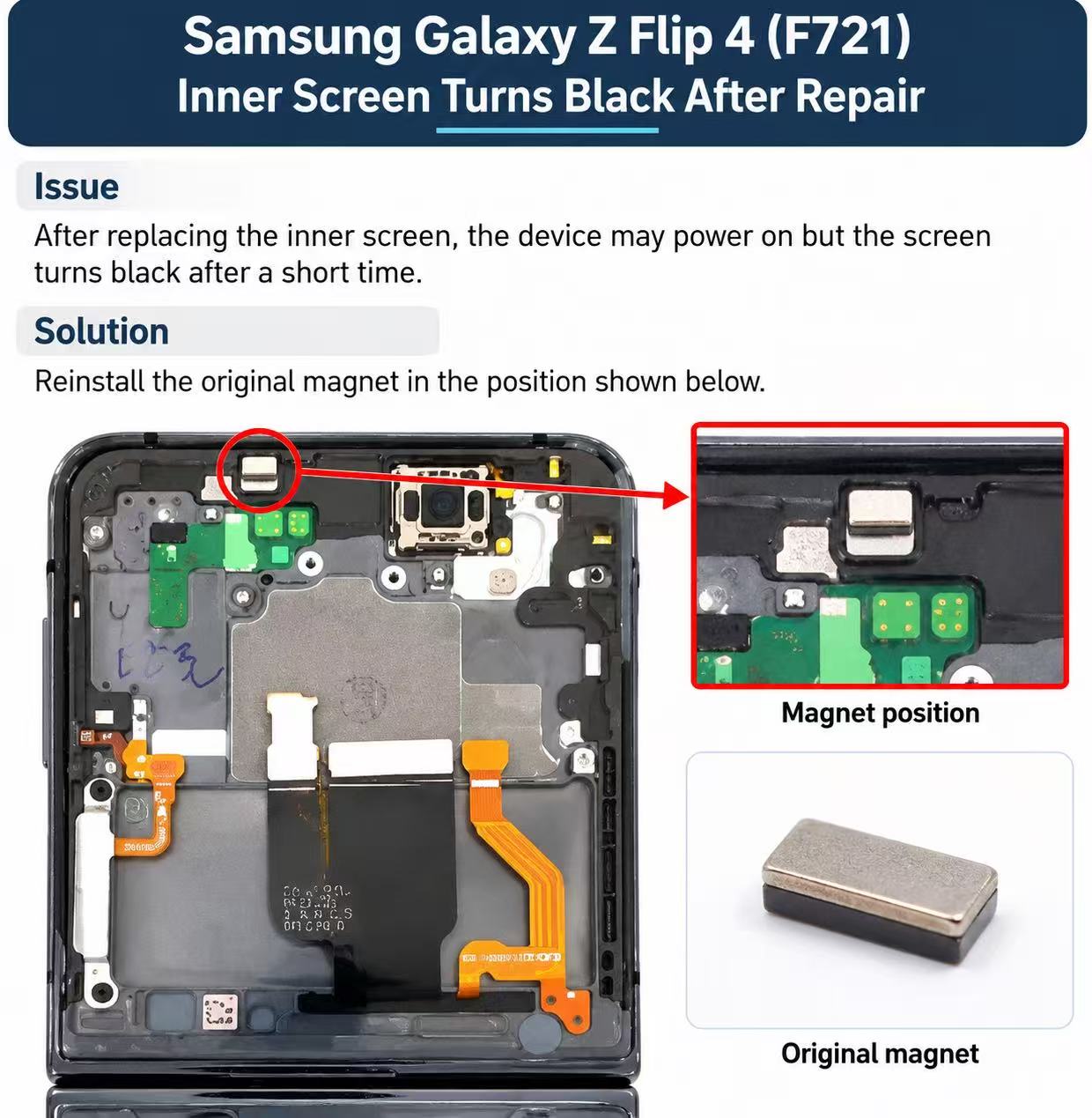
The problem
Screen Goes Black After Replacement After replacing the screen on the Samsung Galaxy Z Flip 4 (F721), the display may turn black shortly after powering on, even though the phone is still running.
Why it happens
The replacement screen frame may have a different or incompatible magnet, which can interfere with the phone's fold detection sensor and cause the display to turn off.
How to fix it
Locate the magnet in the replacement screen frame, as indicated by the red circle in the image below. Remove the magnet from the replacement frame. Transfer the original magnet from the customer's old screen frame to the same position. Secure the magnet in its original orientation and test the phone before completing assembly.
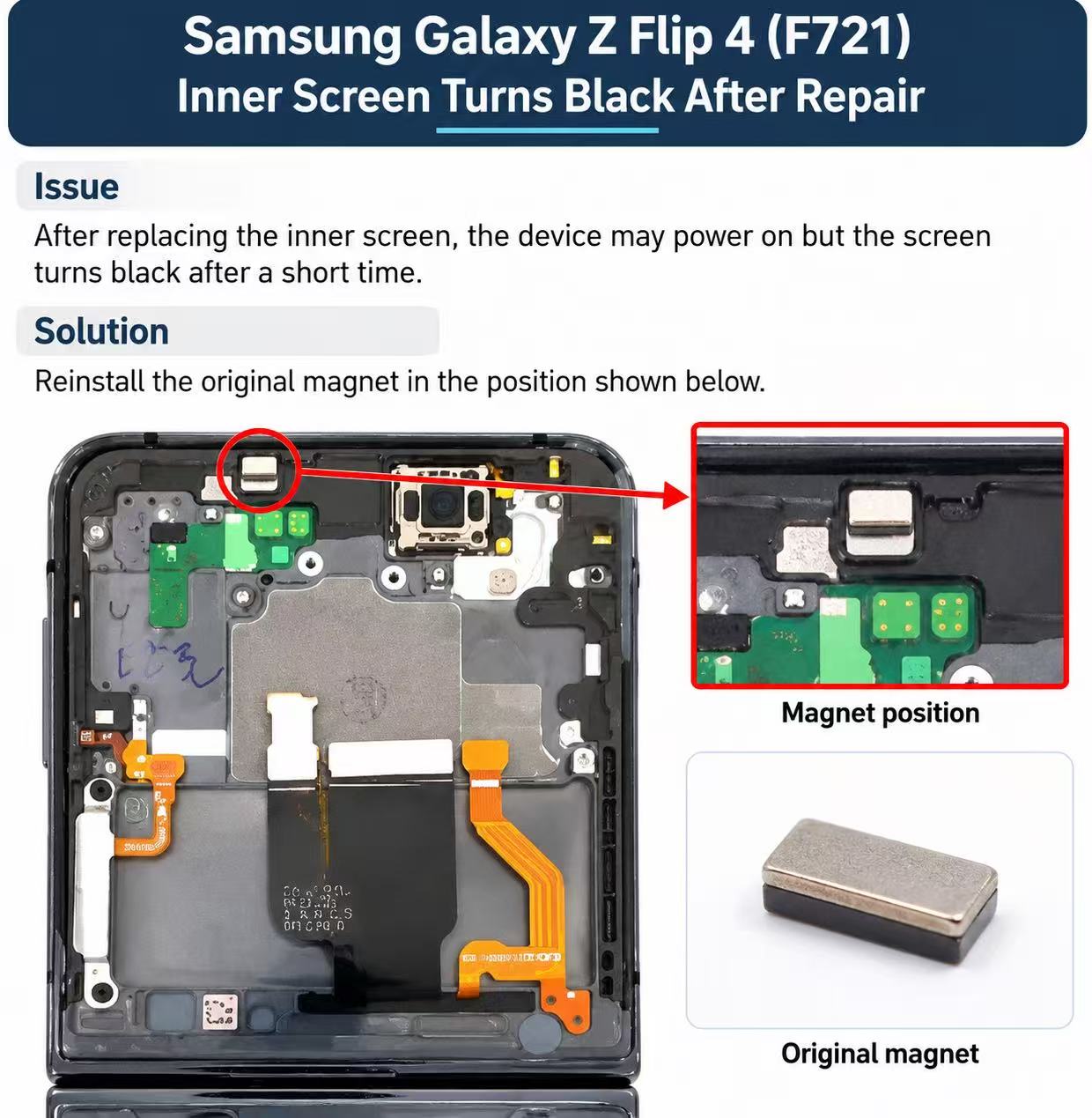
n frame.This can resolve black-screen issues caused by incorrect magnetic fold detection. If the issue persists, further diagnosis is required.
Parts for this repair
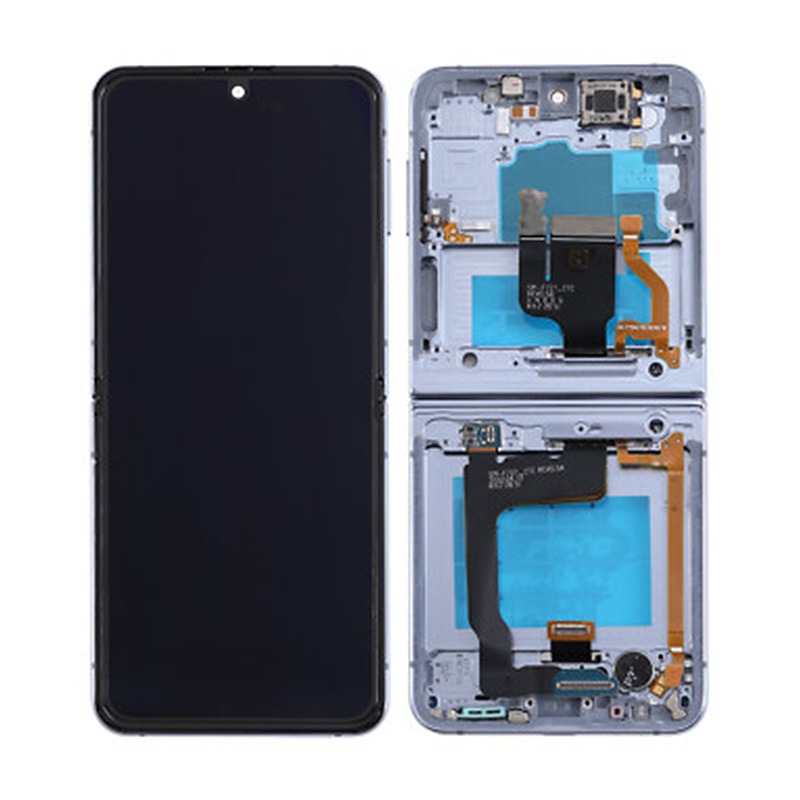
Inner OLED Screen for Samsung Z Flip 4 5G F721 Blue (Refurbished)
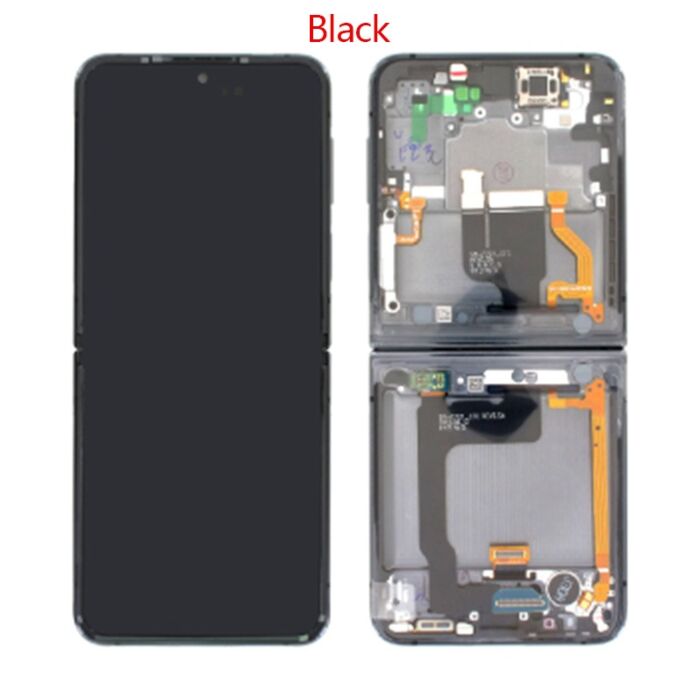
Inner OLED Screen for Samsung Z Flip 4 5G F721 Black (Refurbished)
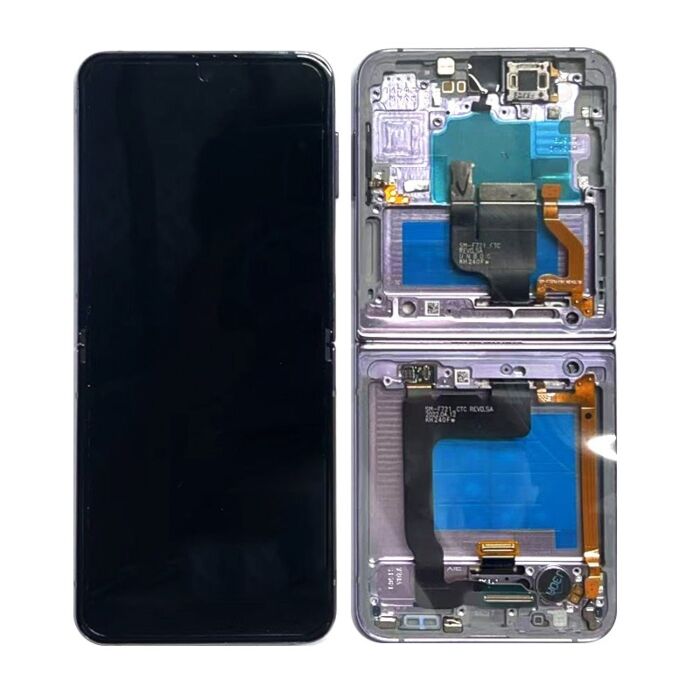
Inner OLED Screen for Samsung Z Flip 4 5G F721 Purple (Refurbished)
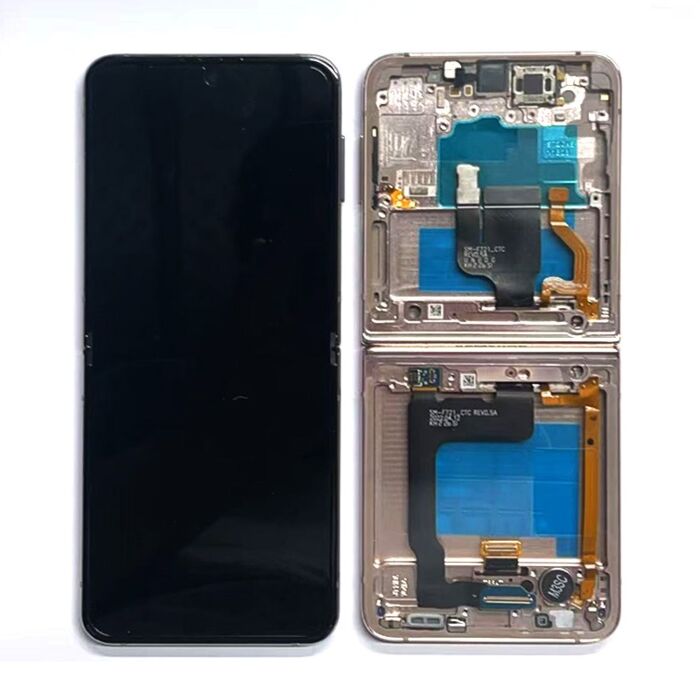
Inner OLED Screen for Samsung Z Flip 4 5G F721 Pink Gold (Refurbished)
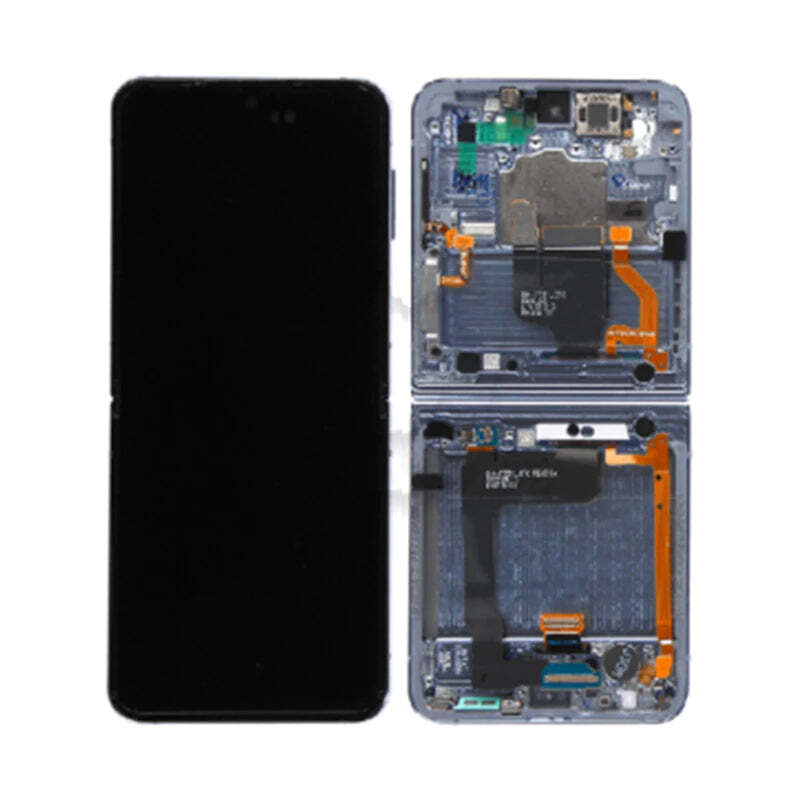
Inner OLED Screen for Samsung Z Flip 4 5G F721 Blue GH82-30238D (Service Pack)
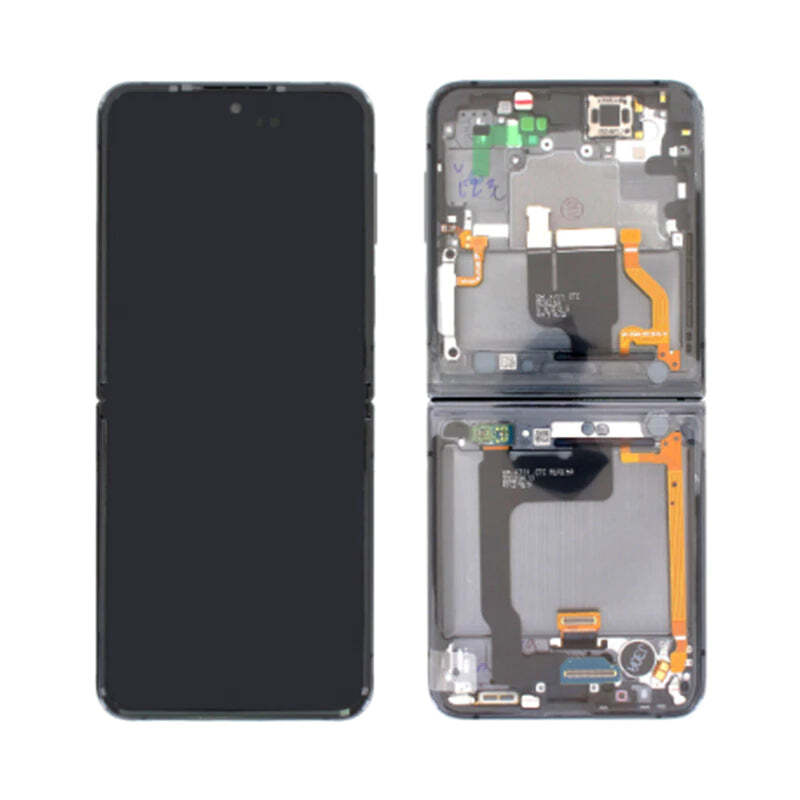
Inner OLED Screen for Samsung Z Flip 4 5G F721 Black GH82-30238A (Service Pack)
More repair guides
iphone · back glass
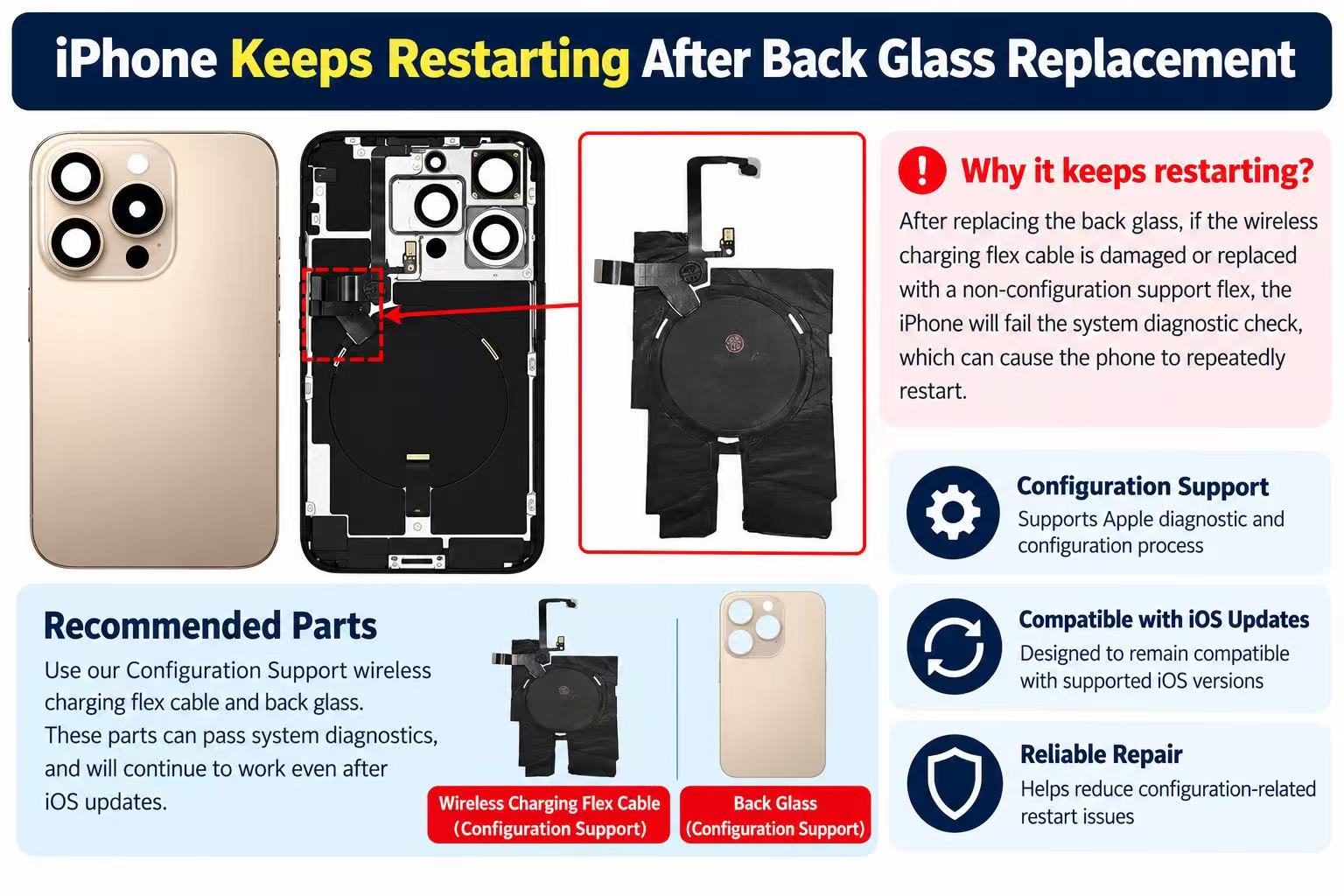
Why iPhones keep restarting after back glass or wireless charging flex replacement?
iPhone keep restarting every 2 - 3 minutes after back glass or wireless charging flex replaced?
21 October 2026· Easy· 20 min
samsung · z fold
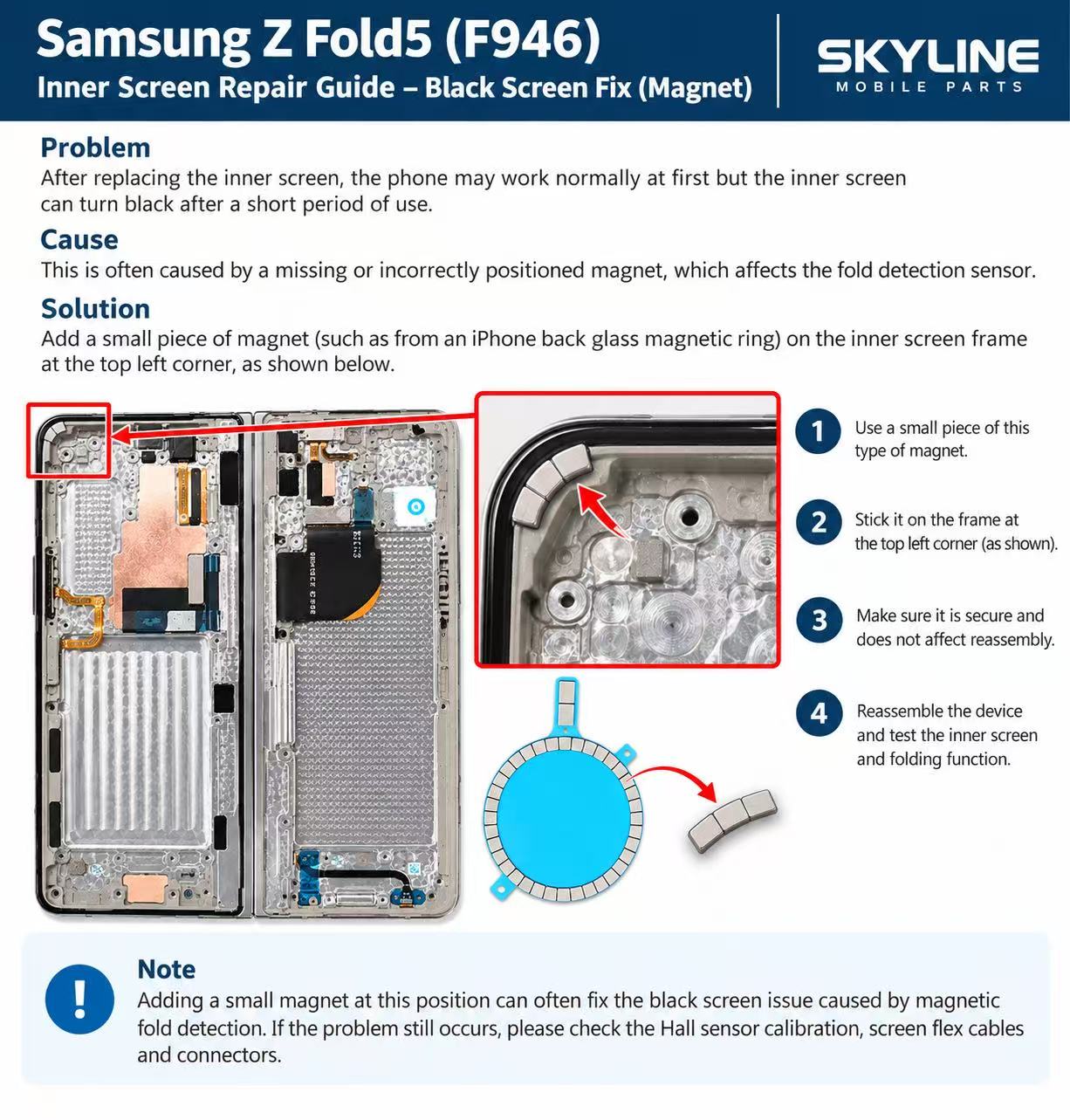
How to Fix a Samsung Z Fold 5 (F946) Inner Screen Going Black After Replacement
If a Galaxy Z Fold 5 (F946) inner screen works at first and then turns black after a replacement, the fold-detection magnet is usually missing or out of position. Stick a small magnet on the inner screen frame at the top-left corner, then reassemble and test the inner screen and folding.
20 October 2026· Easy· 15 min