
How to Fix a Samsung Z Fold 5 (F946) Inner Screen Going Black After Replacement
· 1 min read
In short
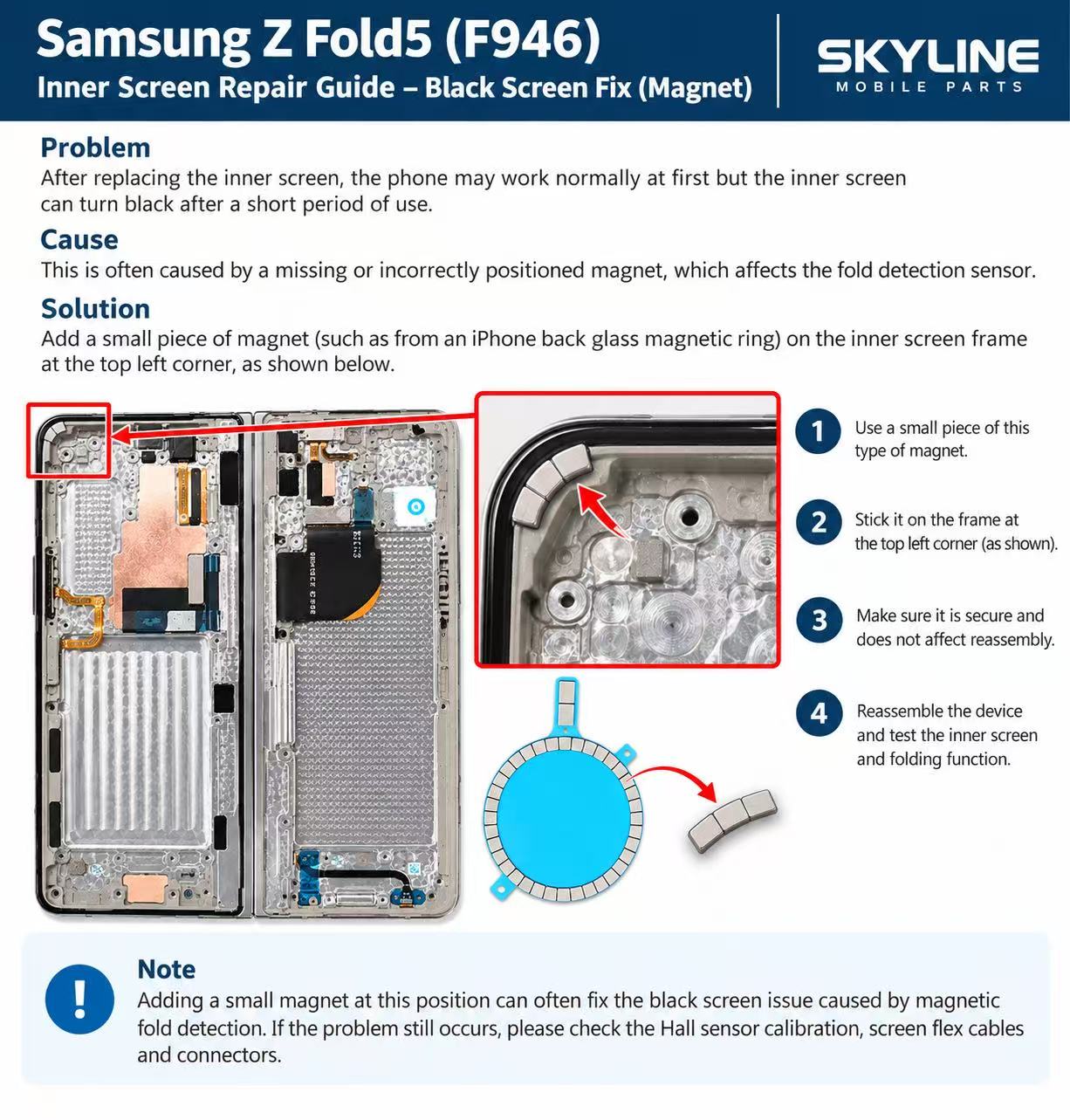
If a Galaxy Z Fold 5 (F946) inner screen works at first and then turns black after a replacement, the fold-detection magnet is usually missing or out of position. Stick a small magnet on the inner screen frame at the top-left corner, then reassemble and test the inner screen and folding.
The problem
After replacing the inner (folding) screen on a Samsung Galaxy Z Fold 5 (F946), the phone may work normally at first, but the inner screen turns black after a short period of use.
Why it happens
This is often caused by a missing or incorrectly positioned magnet. The Z Fold 5 uses a magnet and a fold-detection (Hall) sensor to know whether the phone is open or closed. Without the magnet in the right place, the sensor can misread the fold and the inner screen goes black.
How to fix it
You'll need a small magnet — a short piece cut from an iPhone back glass magnetic ring works well.
- Use a small piece of this type of magnet (two or three segments of the ring are enough).
- Stick it on the inner screen frame at the top-left corner, as shown in the image above.
- Make sure it is secure and sits flat so it does not affect reassembly.
- Reassemble the device and test the inner screen and the folding function.
Parts for this repair
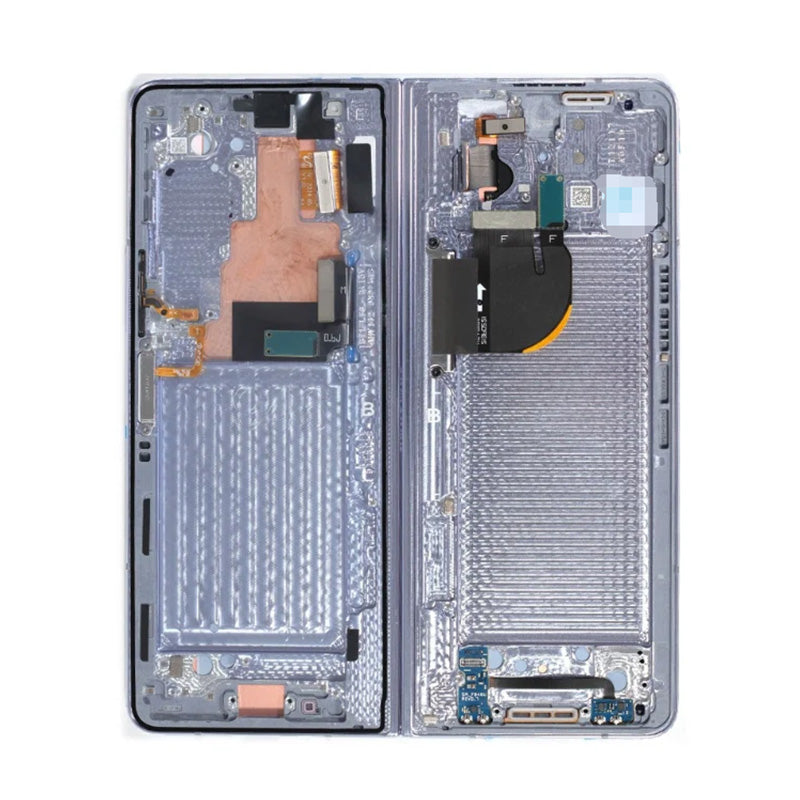
Inner OLED Screen for Samsung Z Fold 5 F946 Blue GH82-31842C (Service Pack)
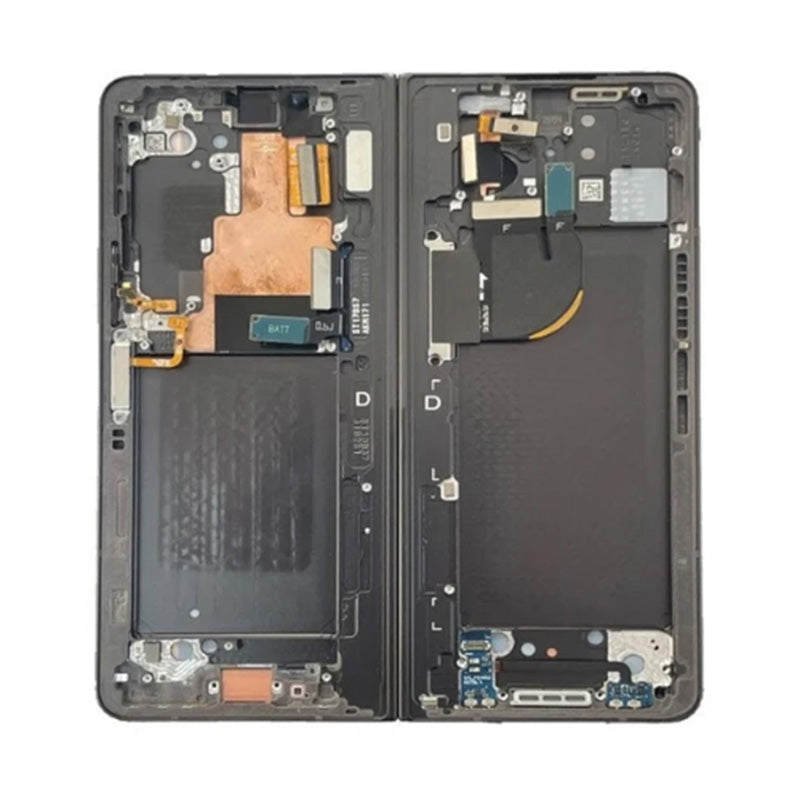
Inner OLED Screen for Samsung Z Fold 5 F946 Grey GH82-31842D (Service Pack)
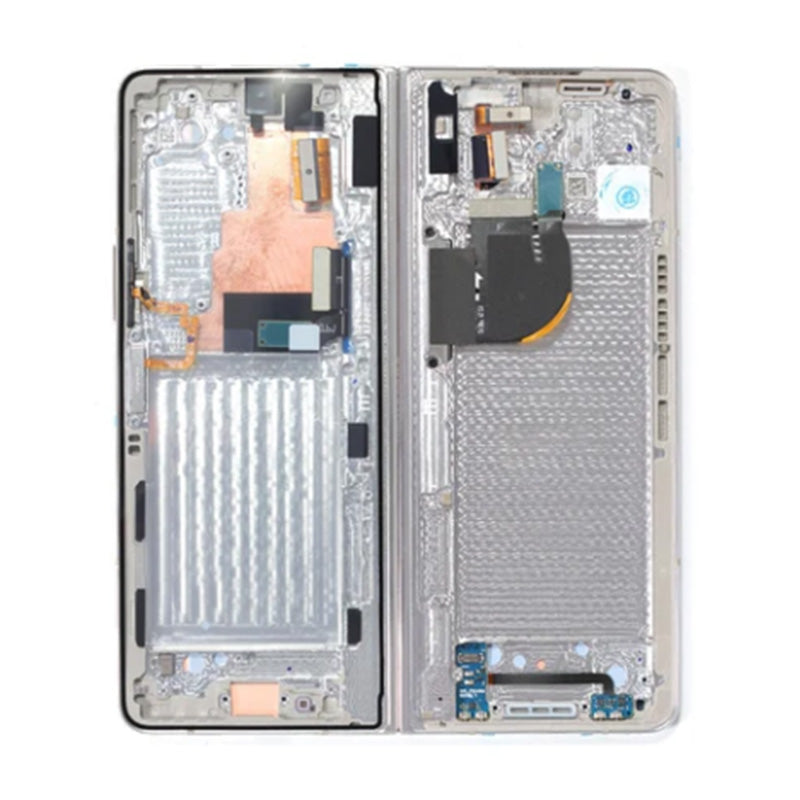
Inner OLED Screen for Samsung Z Fold 5 F946 Beige GH82-31842B (Service Pack)
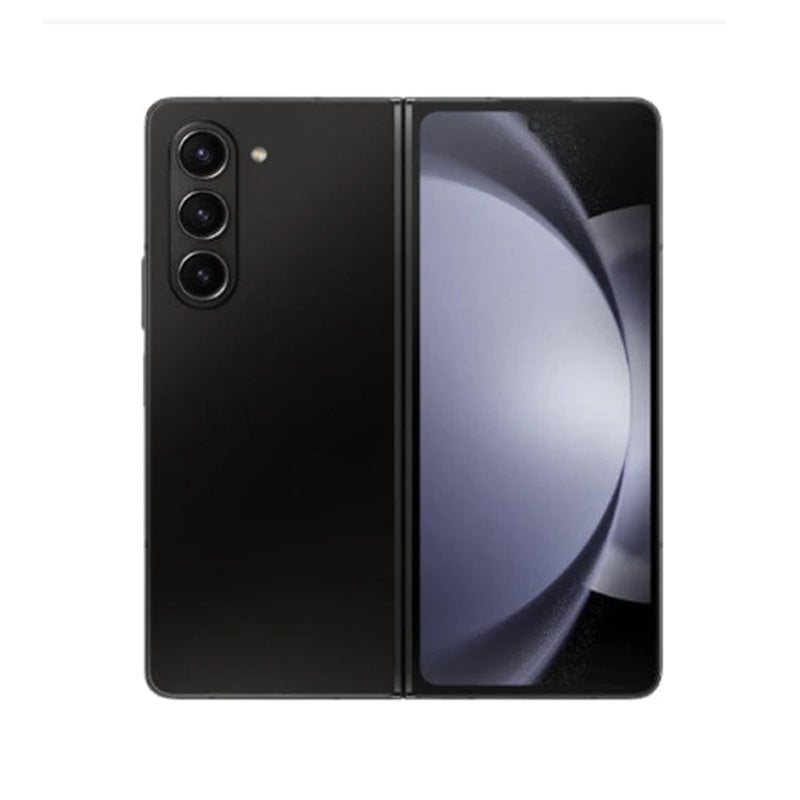
Inner OLED Screen for Samsung Z Fold 5 F946 Black GH82-31842A (Service Pack)
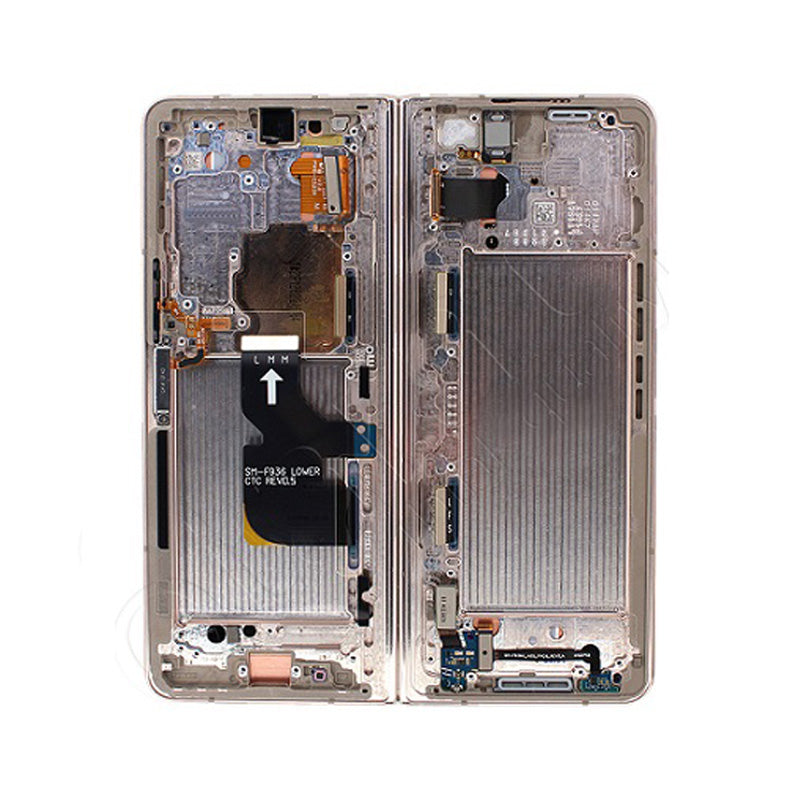
Inner OLED Screen for Samsung Z Fold 4 5G F936 Beige GH82-29461C (Service Pack)
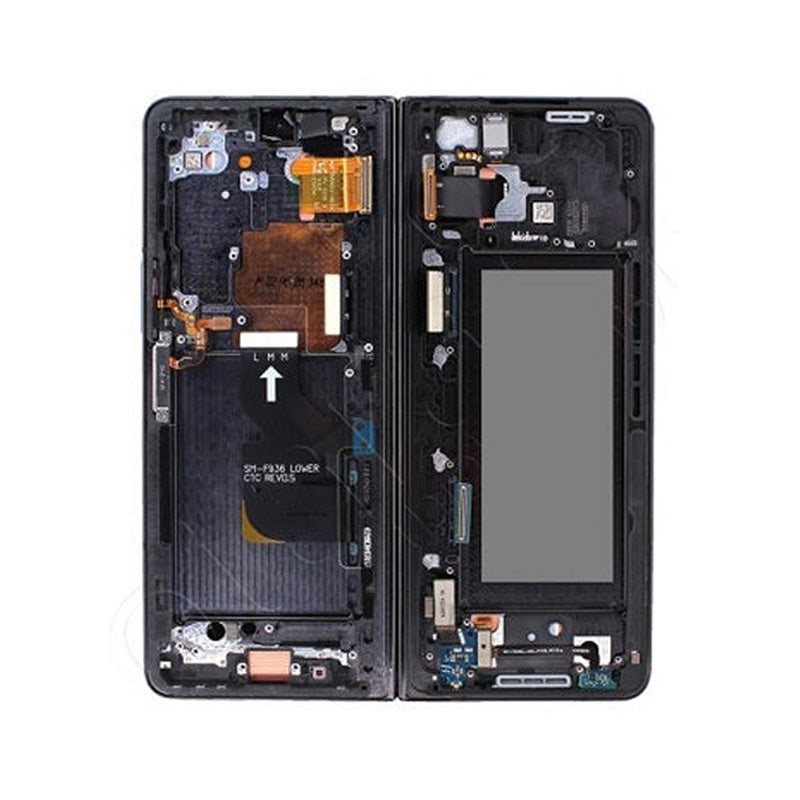
Inner OLED Screen for Samsung Z Fold 4 5G F936 Black GH82-29461A (Service Pack)